PDF prints too light
This is the most common complaint about PDFs, and it has two completely different causes. Diagnosing which one you have takes about thirty seconds and saves a lot of wasted paper.
Work through the check below. If the file is the problem, fix it here; if the printer is the problem, no amount of editing will help.
Fix the file
If other documents print fine, this document is the problem. Darken it here.
- Upload
- Enhance
- Compare & download
or drop a PDF here — one file at a time, up to 50 MB and 100 pages
Free to try • No signup required • Your file never leaves your device
Advanced settings
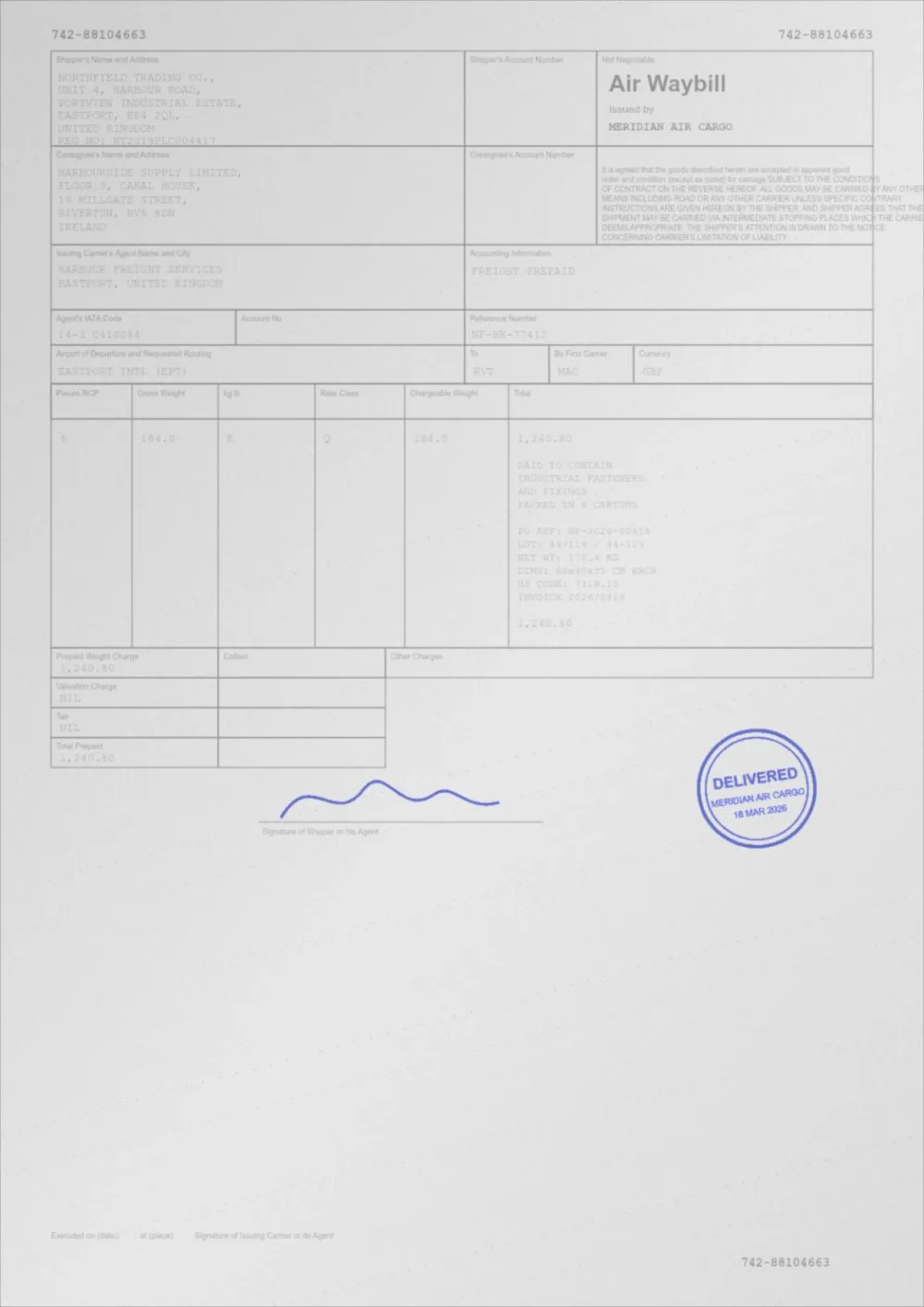
What Auto Print Enhance does to a faded page
A sample faded document, processed by the same engine in Auto Print Enhance mode. Drag the slider to compare.
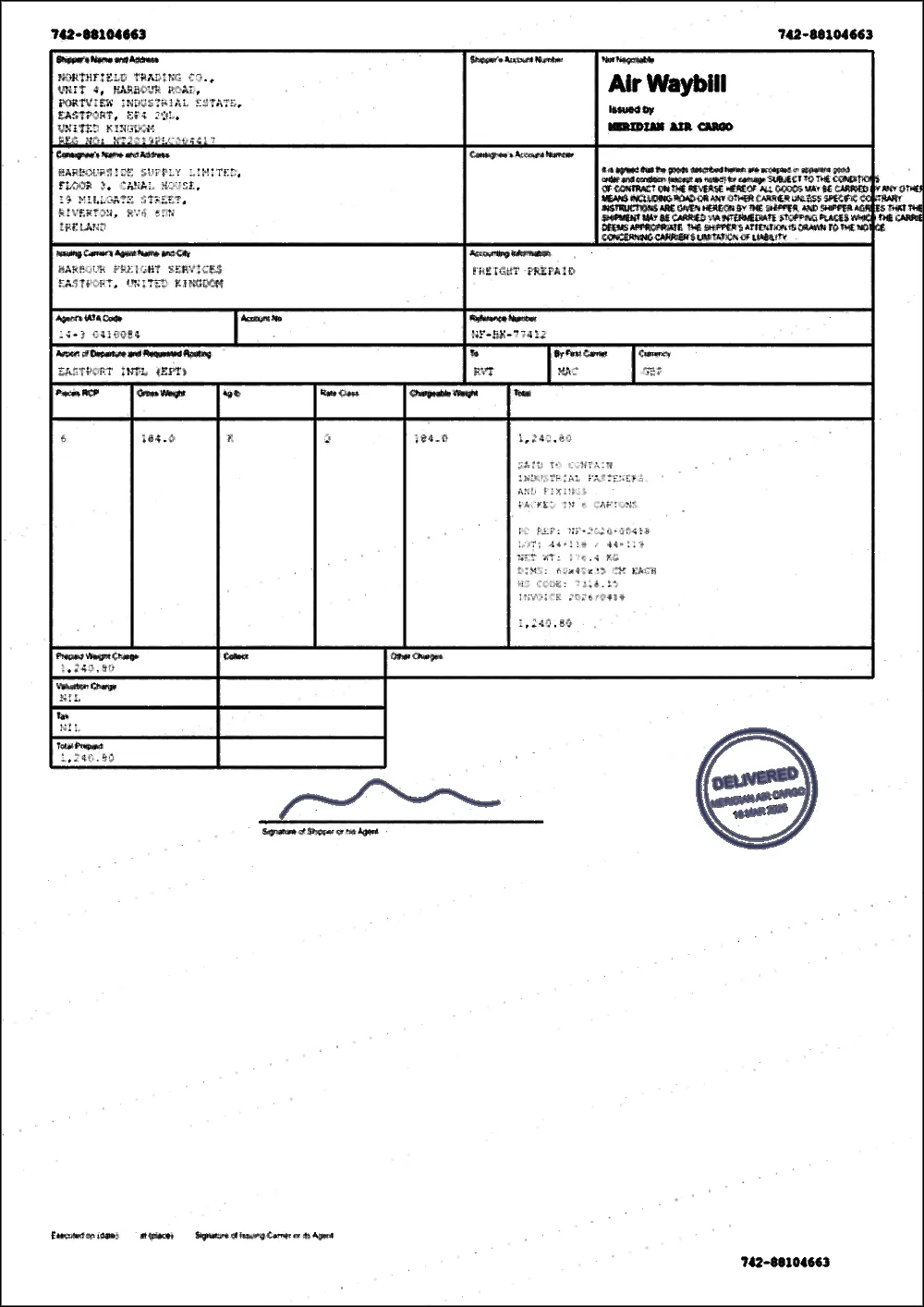 FadedEnhanced
Thirty-second diagnosis
- Print a page of a different document — anything you know prints well.
- If that also prints faint, stop: this is a printer problem. Check toner-save mode, the cartridge, and the density setting.
- If it prints normally, the faint document is at fault. Continue.
- Open the faint PDF and zoom to 400%. If the text is grey rather than black on screen, the colour is the problem.
- If the text looks black on screen but very thin, the font weight is the problem.
- Either way, upload the file above — darkening handles the first case, and Thicken thin text handles the second.
Why screens lie about contrast
A monitor is an emissive display: its white is a light source, and the human eye reads a grey shape against a bright field as clearly darker than it really is. Paper is reflective; its brightest possible white is the paper itself under the light in your room.
So the same 45% grey that reads as "dark enough" on screen prints as an obvious grey. Add a printer running in toner-save mode, and it lands somewhere near invisible. This is a display-technology problem, not a mistake you made.
Cases this fixes
- Bank statements and invoices exported with light grey body text.
- Scanned contracts where the signature is barely visible.
- Shipping labels and receipts printed from thermal originals.
- Government and legal forms photocopied several times over.
- Design-tool exports that use 60% grey for what should be black.
Cases this does not fix
- A printer that is genuinely low on toner or ink.
- A worn drum unit, which usually shows as banding rather than uniform faintness.
- Draft or eco mode left on in the driver or on the printer panel.
- Text that was never captured by the scan in the first place.
Questions
The PDF looks black on screen but still prints grey. Why?
Two likely reasons. The text may be rendered in a very thin font, so the printer only lays down a hairline of toner — Thicken thin text under Advanced settings targets exactly this. Or the printer is in a toner-saving mode that lightens everything.
Should I just increase the printer darkness setting?
It is worth trying, and it costs nothing. It is a blunt instrument though: it darkens the background as well as the text, so a grey-backgrounded scan gets muddier. Fixing the file separates the two.
My inkjet printer prints everything too light. Is it the PDF?
If every document is faint, the file is not the cause. Check that the cartridges are not low, run a nozzle check and clean the print head, make sure the paper type in the driver matches the paper in the tray, and raise the print quality setting. If only one document prints faint, darken that file here.
Does printing as an image help?
Occasionally, when a driver mishandles transparency, but it usually costs sharpness and makes text softer. Try darkening the file first.
My print is too light to read. What should I check first?
Print the same page from another PDF to see whether it is the file or the printer. If other documents print fine, the file is the problem and darkening it will help. If everything is light, check toner or ink levels, economy mode and the paper type. The checklist is in why does my PDF print too light.
Why does a PDF print lighter from my Android phone or iPhone?
A phone uses a generic print system with fewer options, and some printers default to an economy mode when printing that way. Darken the file first, then follow how to print a PDF darker from your phone.
Why do the colours look faded when I print?
A screen makes colour from light and a printer mixes inks, so some loss is normal. Export quality, paper type and the printer’s colour setting decide how much. See how to stop colours fading when you print a PDF.
Guides on this topic
- Why Does My PDF Print Too Light?The document looks fine on screen and prints faint. Here is what is actually happening, and how to tell whether the file or the printer is at fault.
- How to Make a PDF Print ClearlyThe whole print chain: file tone, page scaling, driver settings, paper and fonts — and which of them actually decides how clear the result is.
- Inkjet Printing Too Light? What to CheckAn inkjet that prints faint can have a clogged head, a wrong paper setting, economy mode, low ink, or a faint file. A step-by-step way to find which it is.
- How to Print a PDF Darker from Your PhonePrint from an Android phone or iPhone and the page comes out pale? Darken the PDF in your browser, then change the settings that decide how dark it prints.
- How to Stop PDF Colours Fading in PrintWhy colours look duller on paper than on screen, what to check when exporting a PDF for print, and how to keep faint colours visible in a printout.
Related tools
- Darken a PDF for printingMake a PDF darker before you print it. Stronger text, cleaner background and better contrast for laser and inkjet printers. Free, in your browser.
- PDF print optimizerMeasure your PDF, see what will print faint or grey, and apply recommended settings in one click. Free, private, in your browser.
- Darken a PDFDarken a PDF online. Push faded grey text towards black, clean up grey paper and download a clearer PDF. Runs in your browser, no signup.
- PDF contrast enhancerIncrease PDF contrast and adjust brightness online. Four strengths from Light to Print Ready, a before/after preview, and no signup.
- Fix a faded PDFRestore faded PDFs and faint text. Bring back readability in old scans, thermal receipts, carbon copies and repeatedly photocopied documents.
Fix the file
Free, no signup, no watermark. Your file stays on your device.
How it works · Features · Privacy
Upload the faint PDF