Darken handwriting in a PDF
Handwriting is harder to rescue than printed text. A pen stroke is thin and uneven, pencil sits only a little darker than the paper, and a hurried scan often records both as pale grey. The result is notes you wrote yourself that you can barely read on screen and cannot read at all once they are printed.
This page uses the gentle darkening mode first. It pulls faint strokes towards black while leaving the paper alone, so thin lines are not erased in the process. Choose a file below and compare the before and after view before you download anything.
Darken the handwriting in your PDF
Pick a file. Each page is measured, and the darker version appears in a few seconds.
- Upload
- Enhance
- Compare & download
or drop a PDF here — one file at a time, up to 50 MB and 100 pages
Free to try • No signup required • Your file never leaves your device
Advanced settings
What Darken Text does to a faded page
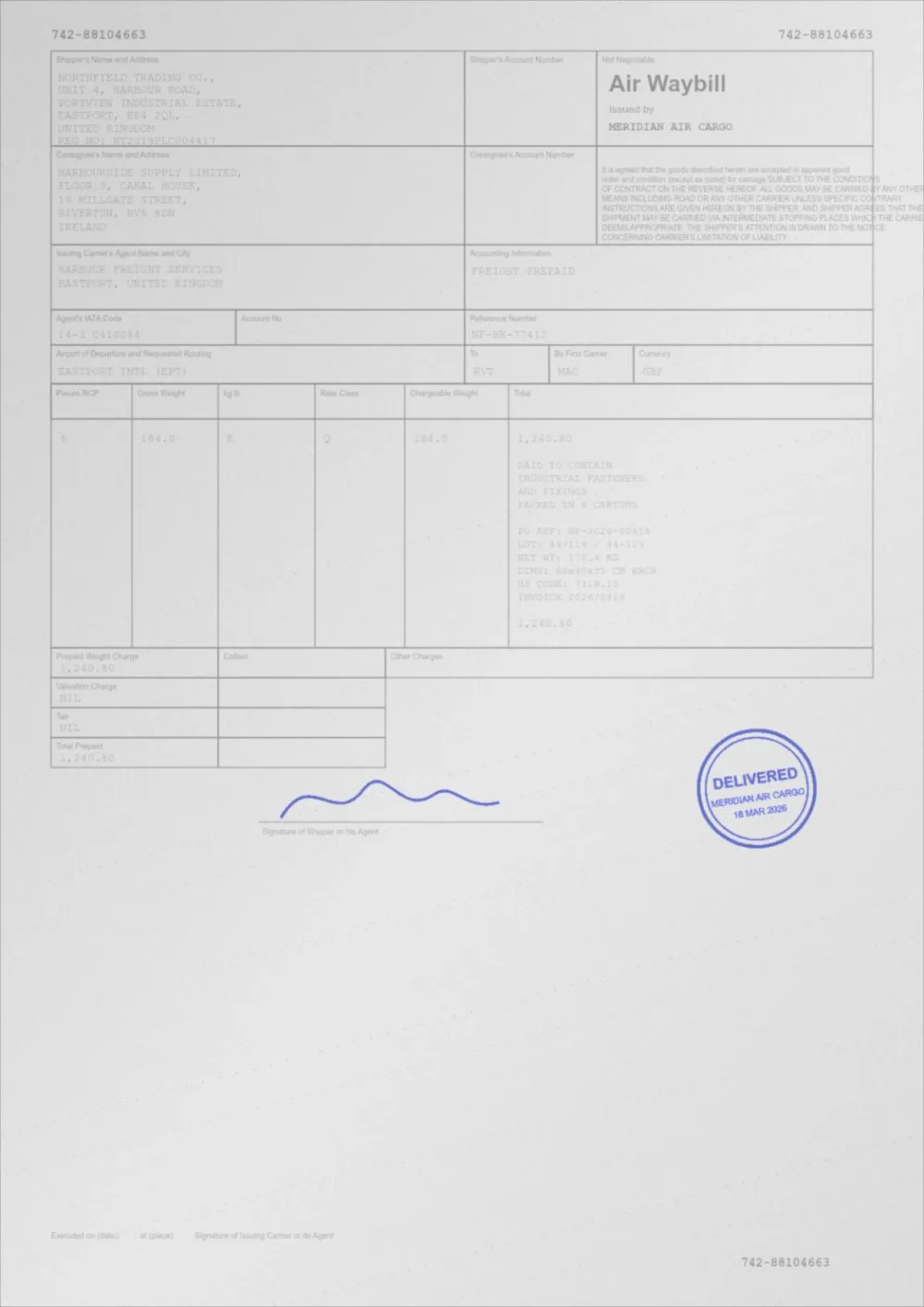
A sample faded document, processed by the same engine in Darken Text mode. Drag the slider to compare.
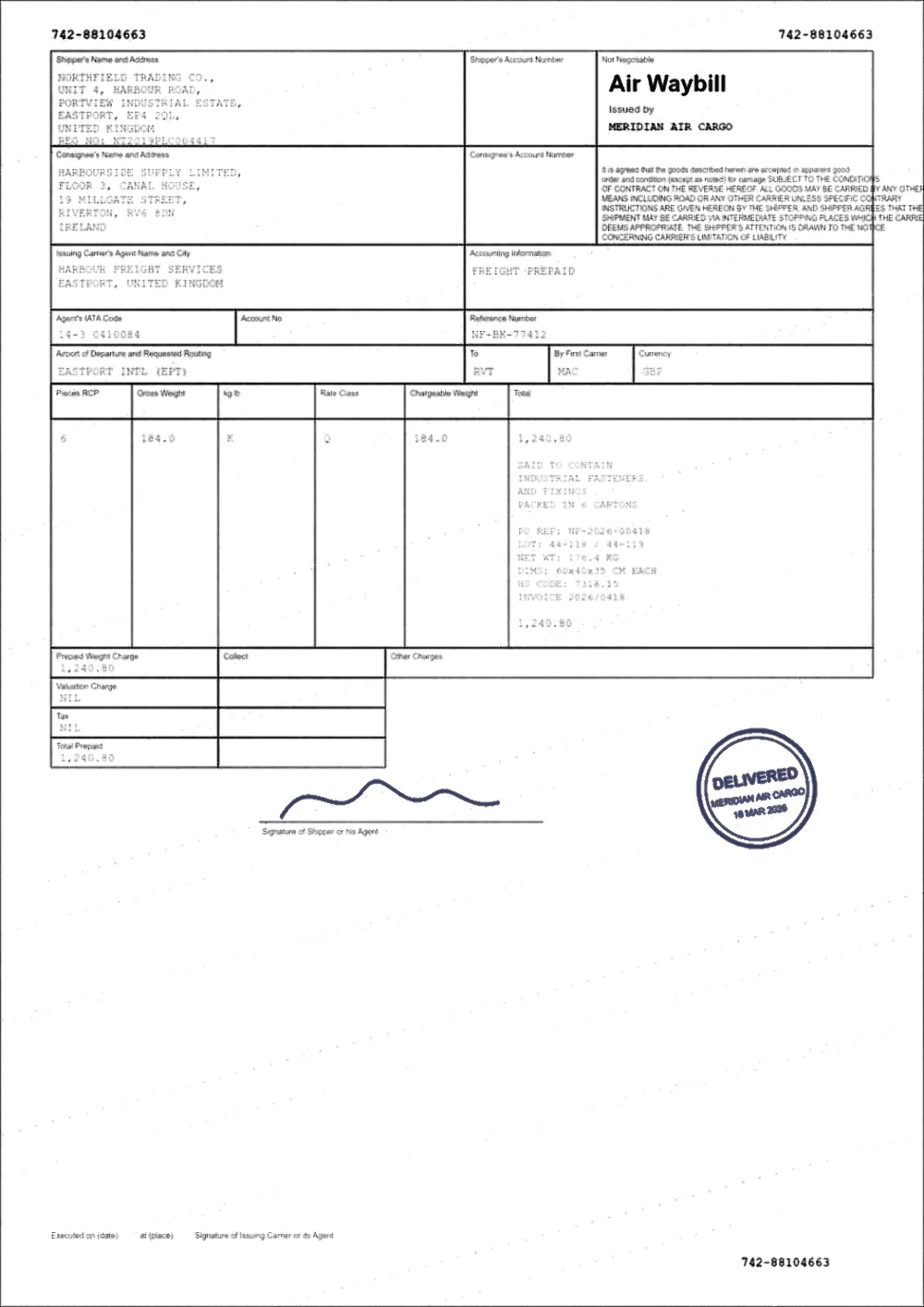 FadedDarkened
How to darken handwriting in a PDF
- Choose your PDF in the box above. It is opened in your browser tab and is not uploaded.
- Wait for the preview, then drag the slider across a line of handwriting and look at the thinnest strokes: the tails of letters, crossed t’s, dots on i’s.
- If the writing is still pale, open Advanced settings and raise Text Darkness a little at a time. If thin strokes are filling in, lower it again.
- Keep the Keep colour option ticked if the writing is blue or red ink, so the pen colour is not turned into flat grey.
- Download the new PDF and print one page before you print the whole thing.
Pencil, ballpoint, fountain pen and marker behave differently
- Pencil is graphite on paper, and it is often only slightly darker than the page. It can be darkened as long as the pencil mark is measurably darker than the paper. A very light pencil line on cream or yellowed paper is the hardest case, and whitening the paper first may help.
- Ballpoint is usually dense enough to respond well. Light, skipping strokes are the exception, because the gaps in a stroke cannot be filled back in.
- Fountain pen and gel ink can look strong on the page and fade in a scan, especially where the ink pooled thinly. These darken well and keep their colour.
- Marker and highlighter are the opposite problem: a yellow highlighter sits close to the paper tone and can disappear if you push the background too far. Stay on the gentle mode.
Handwritten notes on top of printed text
A common case is a printed form or contract with handwriting added by hand, scanned back into a PDF. The printed text and the handwriting are in the same image, so they are darkened together. That is usually what you want, because the form and the notes both become clearer.
If the printed text is already dark and only the handwriting is faint, use the Text Darkness slider gently. The page-level measurement already tries to lift only what is light, so a form that is mostly fine is not changed much.
Digital ink and annotations
If you wrote on a PDF with a tablet or a pen in a PDF app, the strokes are often stored as annotations on top of the page rather than in the page itself. A pale highlighter or a thin light pen colour can be hard to see when printed. The most reliable fix is at the source: change the pen colour to black or dark blue, make it thicker, then export or print to PDF so the marks become part of the page.
If you only have the finished file, process it here. Pages that are plain text and vector graphics are rewritten in place. Pages that contain pictures, which includes any scan, are treated as images.
What it cannot do
- It cannot recover handwriting that was never captured. If a faint stroke has the exact colour of the paper, there is nothing to darken.
- It does not read handwriting, so the text will not become searchable. OCR is built for printed text.
- It cannot make illegible writing legible. It makes visible writing clearer.
- It cannot repair a cryptographic digital signature. Any change to the file invalidates that kind of signature.
Questions
How do I darken the handwriting in a PDF without darkening the whole page?
The tool measures where the ink and the paper sit and re-maps that range, so the writing gets darker while the paper is pushed towards white rather than towards black. Use Text Darkness to control how strongly the faint strokes are pulled.
Can I darken pencil writing in a scanned PDF?
Yes, as long as the pencil is a little darker than the paper in the scan. Very light pencil on tinted paper is the hardest case. If the paper is yellow or grey, whiten the background or use Clean a scanned PDF first.
Will the colour of my pen be kept?
With Keep colour on, blue and red ink stay blue and red, and are darkened more gently than black ink. Turn it off if you want everything pushed to grey or black for a mono printer.
Does it make handwriting searchable?
No. It changes how dark the writing is, not what the computer can read. Recognition of handwriting is not something this site does.
Is my PDF uploaded anywhere?
No. The file is read, darkened and written back inside your browser tab, which is why it is safe to use on personal notes, forms and medical or legal paperwork.
Guides on this topic
- How to Darken a Scanned PDFScanned pages are images, not text. Here is what that changes, how to darken them properly, and when a rescan will beat any amount of processing.
- How to Make PDF Text DarkerMaking text darker means different things in a digital PDF and a scanned one. Here is what changes in each, and how to keep text sharp and selectable.
- How to Fix a Faded PDFThermal receipts, carbon copies and third-generation photocopies. What can be recovered from a faded document, what cannot, and how to do it safely.
Related tools
- Darken a signature in a PDFMake a faint signature or stamp in a PDF darker so it shows when printed. Works on scans and photos, keeps ink colour, free, in your browser, no signup.
- Make a scanned PDF darkerMake scanned PDFs darker and easier to read. Corrects faint scans, grey backgrounds and uneven lighting from flatbed scanners and phone cameras.
- Darken a PDFDarken a PDF online. Push faded grey text towards black, clean up grey paper and download a clearer PDF. Runs in your browser, no signup.
- Whiten a PDF backgroundWhiten the background of a PDF online: turn grey or cream scanned paper white while the ink stays exactly as it was. Three strengths, preview, no signup.
- Fix a faded PDFRestore faded PDFs and faint text. Bring back readability in old scans, thermal receipts, carbon copies and repeatedly photocopied documents.
Darken the handwriting in your PDF
Free, no signup, no watermark. Your file stays on your device.
How it works · Features · Privacy
Upload PDF with handwriting