Convert a PDF to black and white
Black and white here means exactly that: every pixel becomes pure black or pure white, with no grey in between. For plain text, forms and line art that gives the crispest, cleanest page. For photographs, shading and faint pencil it destroys detail.
The cut-off between black and white is the Black level. This tool lets you set it, shows you the result before you download, and starts at a setting that keeps normal text on white paper intact.
Convert your PDF to black and white
Pick a black level, upload your PDF, and compare the result before you download.
- Upload
- Enhance
- Compare & download
or drop a PDF here — one file at a time, up to 50 MB and 100 pages
Free to try • No signup required • Your file never leaves your device
What Black & White does to a faded page
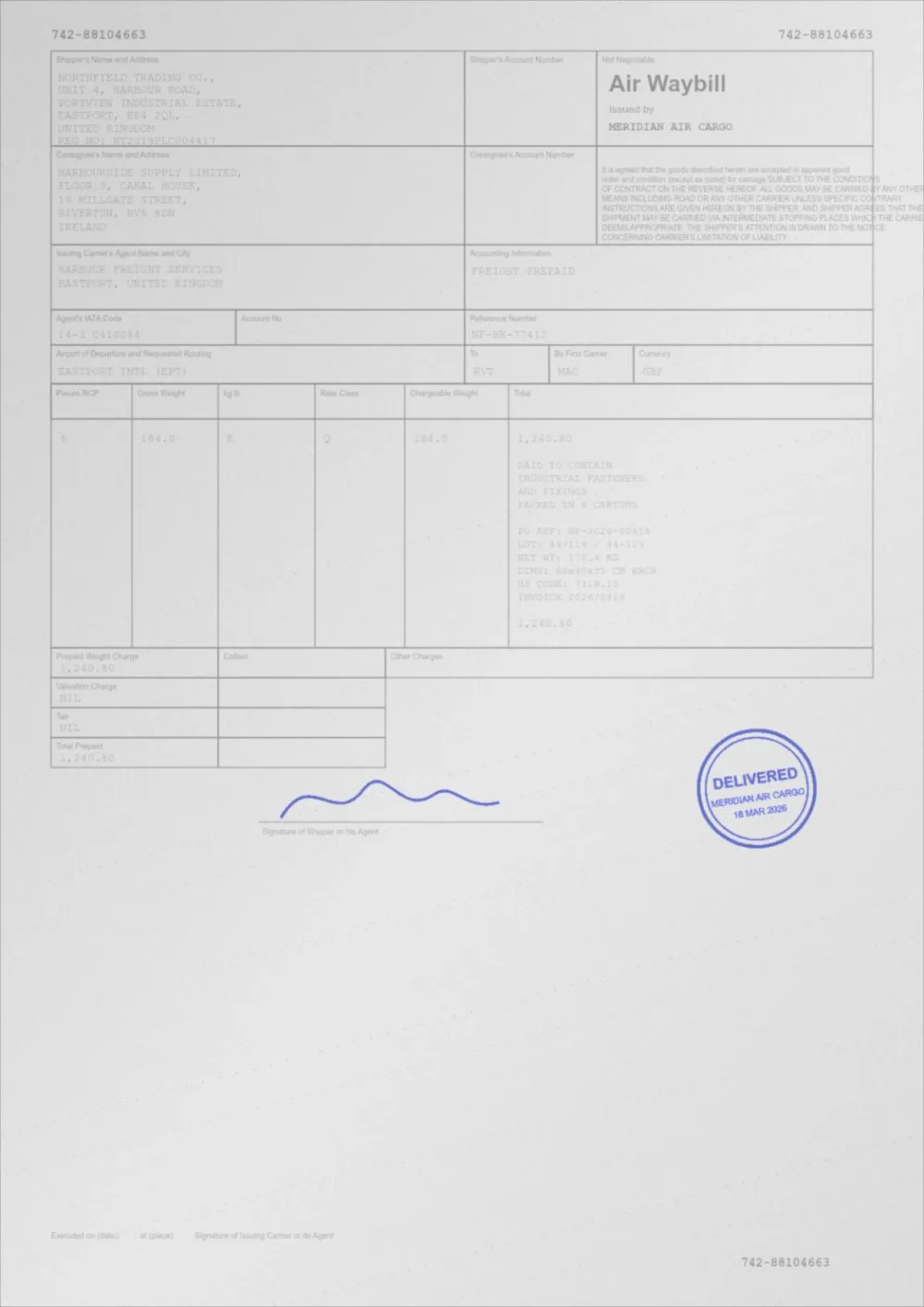
A sample faded document, processed by the same engine in Black & White mode. Drag the slider to compare.
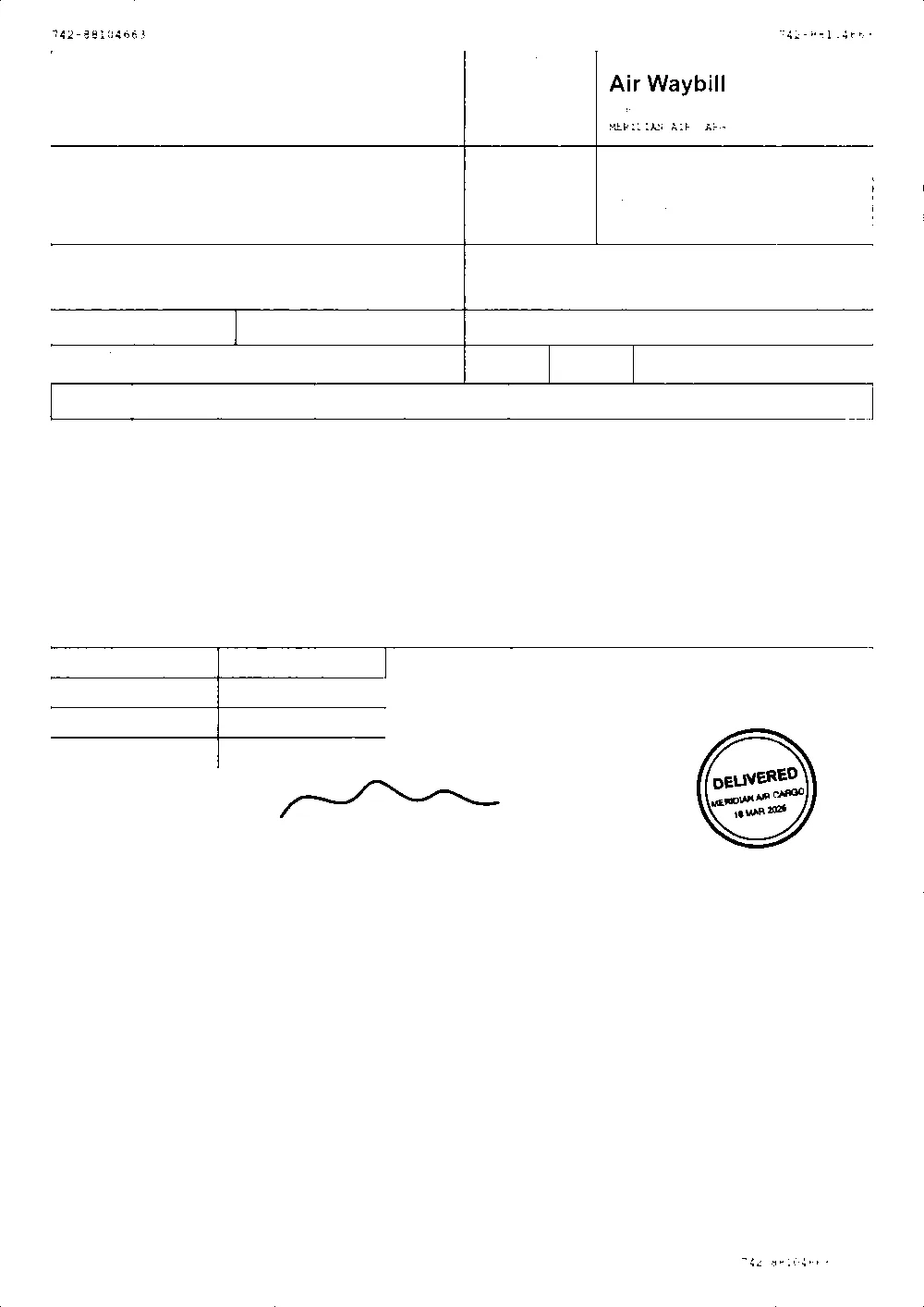 OriginalBlack & white
How to convert a PDF to black and white
- Pick a black level above. Standard is selected to begin with.
- Choose your PDF, or drop it on the page. It is processed in your browser and never uploaded.
- Drag the slider to compare the original with the black and white version. Zoom in on small text and on anything faint.
- If light text has gone, choose Light ink. If grey paper has filled in with black, choose Dark scan, or raise Whiten paper first. Then press Apply new settings.
- Download the new PDF. The original is left untouched.
Black and white versus grayscale
The two are easy to mix up.
- Black & white is a threshold. Each pixel is judged by its lightness and becomes pure black or pure white. There are no greys.
- **Grayscale** keeps all the shades of grey. It is the safer conversion for anything with shading, photographs, stamps or signatures.
- Because black and white throws away every mid-tone, it cannot be undone. Keep the original.
How the threshold works here
The page is first corrected for uneven lighting, so a shadow does not turn into a block of black. Then the Black level sets where the cut-off falls: a higher level turns lighter ink black, and a lower level stops grey paper and shading from filling in.
- Black level moves the cut-off between black and white.
- Whiten paper first pushes grey paper towards white before the cut-off, so it does not cross to black.
- Speckle removal clears isolated dust specks so they do not become hard black dots.
When black and white is a good choice
- Plain text documents, forms and typed pages on clean paper.
- Faxes and line drawings.
- Scans you want to look crisp when printed on a laser printer.
- Pages where you want strictly two tones, for example before further processing.
- Smaller files. A two-tone page compresses very well: the demo sample went from 86 KB to 24 KB. How much you save depends on the document.
When it is not
- Photographs and anything with shading, which turn into blotches.
- Signatures and stamps, whose thin or pale strokes can break up or vanish.
- Faint pencil and light highlighter, which sit near the paper level.
- Colour-coded content, because all colour is reduced to black or white by lightness.
- For these, use grayscale instead.
Digital pages and scanned pages
- Pages made of text and vector graphics have their colours set to pure black or white, so the text stays real, selectable text.
- Pages that contain images, including every scan, are rendered at 200 DPI, thresholded, and written back as black and white images. Their text becomes part of the image.
Questions
Is black and white the same as grayscale?
No. Grayscale keeps every shade of grey. Black and white forces every pixel to pure black or pure white, so it has no mid-tones at all. See grayscale PDF.
Why did my light text disappear?
Faint ink is lighter than the cut-off, so it was turned white. Choose Light ink, or raise the Black level. If the paper then fills in, raise Whiten paper first.
Why is my page full of black blotches?
The cut-off was too high for grey paper or shading. Choose Dark scan, lower the Black level, or raise Whiten paper first. If the page has a shadow, remove the shadow before converting.
Will my signature survive?
Often not completely. Thin or pale strokes are easily broken by a threshold. If a signature matters, use grayscale instead, or check the preview carefully.
Can I get my greys back?
No. The mid-tones are discarded, which is why the original is never modified. Keep it.
Is my PDF uploaded?
No. Reading, converting and writing the new file all happen inside your browser tab.
Guides on this topic
- How to Make a PDF Print ClearlyThe whole print chain: file tone, page scaling, driver settings, paper and fonts — and which of them actually decides how clear the result is.
- How to Clean Up a Scanned PDFRemove grey backgrounds, speckle, shadows and show-through from scanned PDFs — and keep the faint content you actually wanted.
Related tools
- Convert a PDF to grayscaleConvert a PDF to grayscale for mono printing or scanned documents. Colour only, or with print-ready tone control. Preview first, no signup, in your browser.
- Clean up a scanned PDFClean scanned PDFs: whiten grey backgrounds, remove speckle and shadows, and even out uneven lighting from scanners and phone cameras.
- Remove shadows from a scanned PDFRemove shadows and uneven lighting from a scanned PDF: flatten the gradient from phone scans and book spines without touching the ink. Free, in your browser.
- PDF print optimizerMeasure your PDF, see what will print faint or grey, and apply recommended settings in one click. Free, private, in your browser.
Convert your PDF to black and white
Free, no signup, no watermark. Your file stays on your device.
How it works · Features · Privacy
Upload PDF to convert