Darken a signature in a PDF
A signature is often the one part of a document that has to be visible. When a scanned contract comes back with a pale, greyish scrawl above the printed name, or a stamp that looks like a smudge, the usual answer is to get the paper signed again. Often you can avoid that.
The tool lifts faint ink towards black with a tone curve, not a hard black-and-white cut-off, so thin pen strokes keep their shape. Start by processing the whole page: a signature is part of the page, so it is darkened along with everything around it.
Darken the signature in your PDF
Upload a file and compare the original with the darker version before you download.
- Upload
- Enhance
- Compare & download
or drop a PDF here — one file at a time, up to 50 MB and 100 pages
Free to try • No signup required • Your file never leaves your device
Advanced settings
What Darken Text does to a faded page
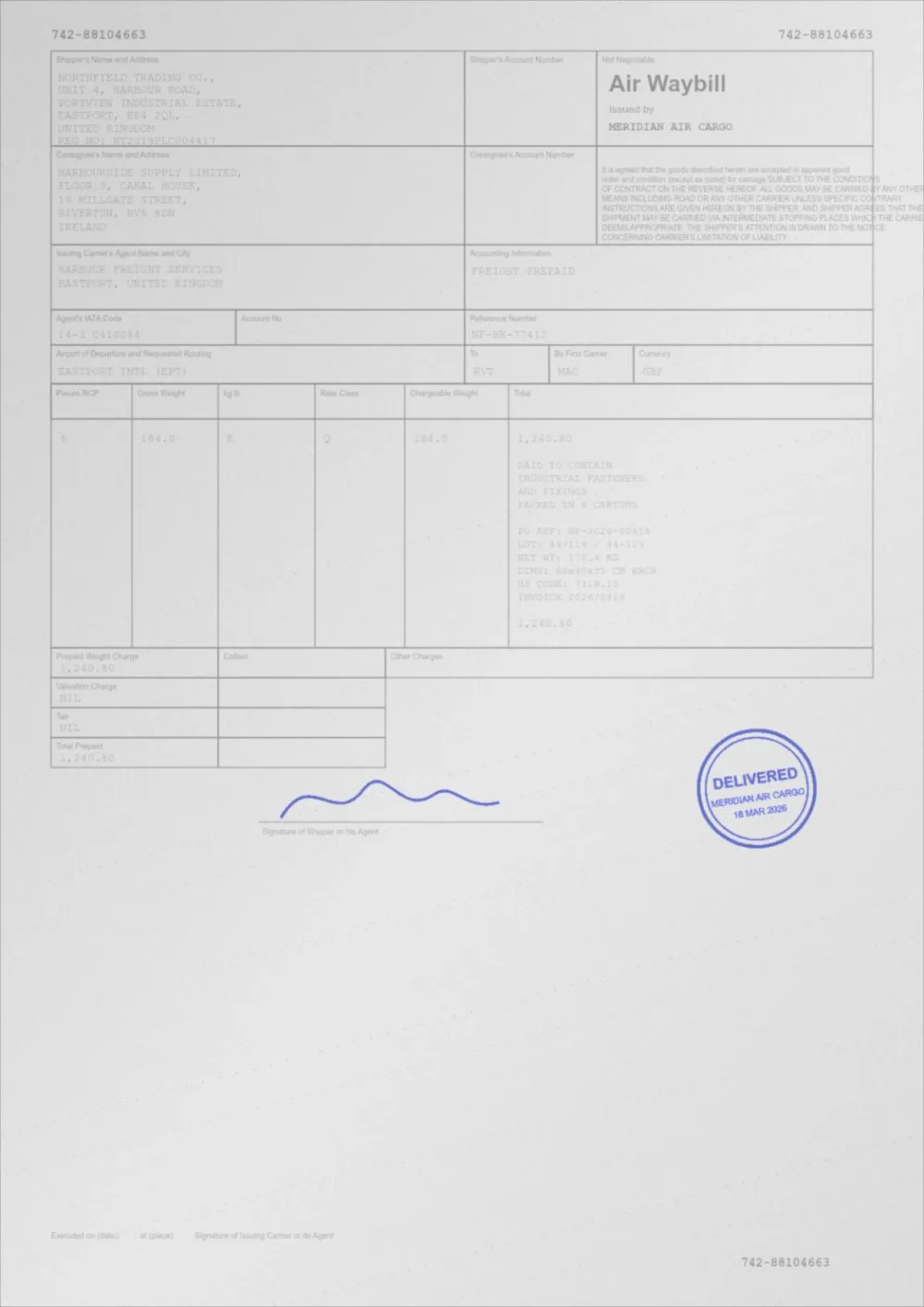
A sample faded document, processed by the same engine in Darken Text mode. Drag the slider to compare.
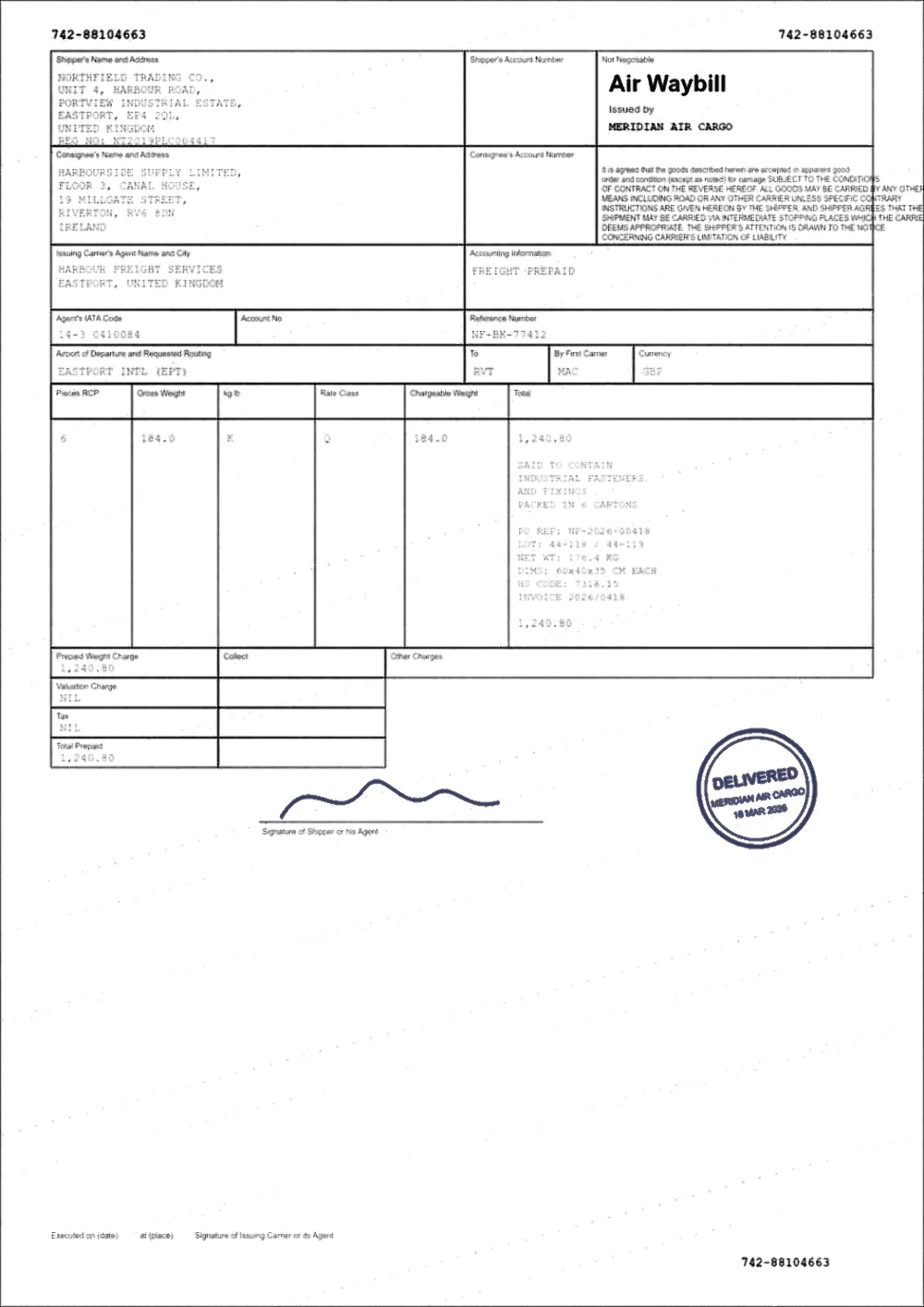 FadedDarkened
How to make a signature darker on a PDF
- Choose the PDF above. Nothing is uploaded; the file stays on your device.
- Look at the signature in the preview, using the slider to flip between the original and the result.
- If it is still too pale, raise Text Darkness in Advanced settings a few points at a time.
- Leave Keep colour on for a blue or black ink signature or a coloured stamp, so it is darkened without being flattened to a grey blob.
- Download the new file and print a test page. Judge the signature on paper, not on a bright screen.
Which kind of signature do you have?
- A pen signature on a scan. This responds best. The ink is part of the scanned image and is darkened with the rest of the page.
- A signature photographed with a phone. It usually has uneven lighting as well. Use Clean a scanned PDF or remove scan shadows so the paper around it is even, then darken.
- A typed or drawn signature added in an editor or e-signing tool. If it was inserted as a pale image or in a light grey, the cleanest result comes from signing again in black at the source. You can still darken the exported file here if you do not have access to the original.
- A cryptographic or certificate-based digital signature. Do not process it. Any change to the file content invalidates that type of signature, because detecting changes is its whole purpose.
Stamps, seals and initials
A rubber stamp is usually a thin ring of ink with text inside, and it fades unevenly: strong in some parts and almost gone in others. Darkening raises the parts that are still there. It cannot fill in a gap where the ink never reached the paper.
Coloured stamps are pushed more gently so that a red or blue seal stays red or blue. If the stamp is almost the colour of the paper, there may be nothing to recover and a fresh stamp is the better answer.
Do not push too far
A signature is a thin line with variation in pressure, and very strong darkening starts to fatten the line and join strokes together. If the loops of a signature begin to fill in, lower Text Darkness or Contrast, or go back to Auto Print Enhance.
For documents where the signature must be clearly the original ink, keep the unprocessed file as well. The tool never changes your original.
Questions
How do I make a signature darker on a PDF?
Upload the PDF above, check the signature in the before and after slider and raise Text Darkness if it needs to be stronger. A signature on a scan is darkened along with the page, so you do not need to select it separately.
Can a faint signature be recovered?
Often, partly. If any trace of the stroke is darker than the paper, it can be pulled back. If it has faded to exactly the paper’s colour, there is nothing left to amplify.
Will darkening break a digital signature?
For a certificate-based digital signature, yes. Changing the file content invalidates that kind of signature. This is expected behaviour, so use the original for anything that has to stay verifiable.
Can I darken only the signature and not the rest of the page?
There is no manual selection of an area yet. Pages are measured as a whole, and parts that are already dark are changed very little.
Is it free, and do I need Adobe?
It is free, needs no account and no Adobe product, and runs in your browser tab. The file is never uploaded.
Guides on this topic
- How to Fix a Faded PDFThermal receipts, carbon copies and third-generation photocopies. What can be recovered from a faded document, what cannot, and how to do it safely.
- How to Darken a Scanned PDFScanned pages are images, not text. Here is what that changes, how to darken them properly, and when a rescan will beat any amount of processing.
- How to Clean Up a Scanned PDFRemove grey backgrounds, speckle, shadows and show-through from scanned PDFs — and keep the faint content you actually wanted.
Related tools
- Darken handwriting in a PDFMake handwriting in a PDF darker: faint pen, pencil notes and filled-in forms on scans. Runs in your browser, free, no signup, and the original is kept.
- Make a scanned PDF darkerMake scanned PDFs darker and easier to read. Corrects faint scans, grey backgrounds and uneven lighting from flatbed scanners and phone cameras.
- Darken a PDF for printingMake a PDF darker before you print it. Stronger text, cleaner background and better contrast for laser and inkjet printers. Free, in your browser.
- Clean up a scanned PDFClean scanned PDFs: whiten grey backgrounds, remove speckle and shadows, and even out uneven lighting from scanners and phone cameras.
- Fix a faded PDFRestore faded PDFs and faint text. Bring back readability in old scans, thermal receipts, carbon copies and repeatedly photocopied documents.
Darken the signature in your PDF
Free, no signup, no watermark. Your file stays on your device.
How it works · Features · Privacy
Upload PDF with a signature