Clean up a scanned PDF
Cleaning is about everything on the page that is not the document: the grey cast of the paper, the shadow from a phone, the dust on the scanner glass, the show-through from the reverse side of a thin sheet.
Remove those and the document becomes easier to read, cheaper to print and smaller to store — often before you darken a single letter.
Clean your scanned PDF
Clean Scan mode: strong background normalisation and speckle removal.
- Upload
- Enhance
- Compare & download
or drop a PDF here — one file at a time, up to 50 MB and 100 pages
Free to try • No signup required • Your file never leaves your device
Advanced settings
What Clean Scan does to a faded page
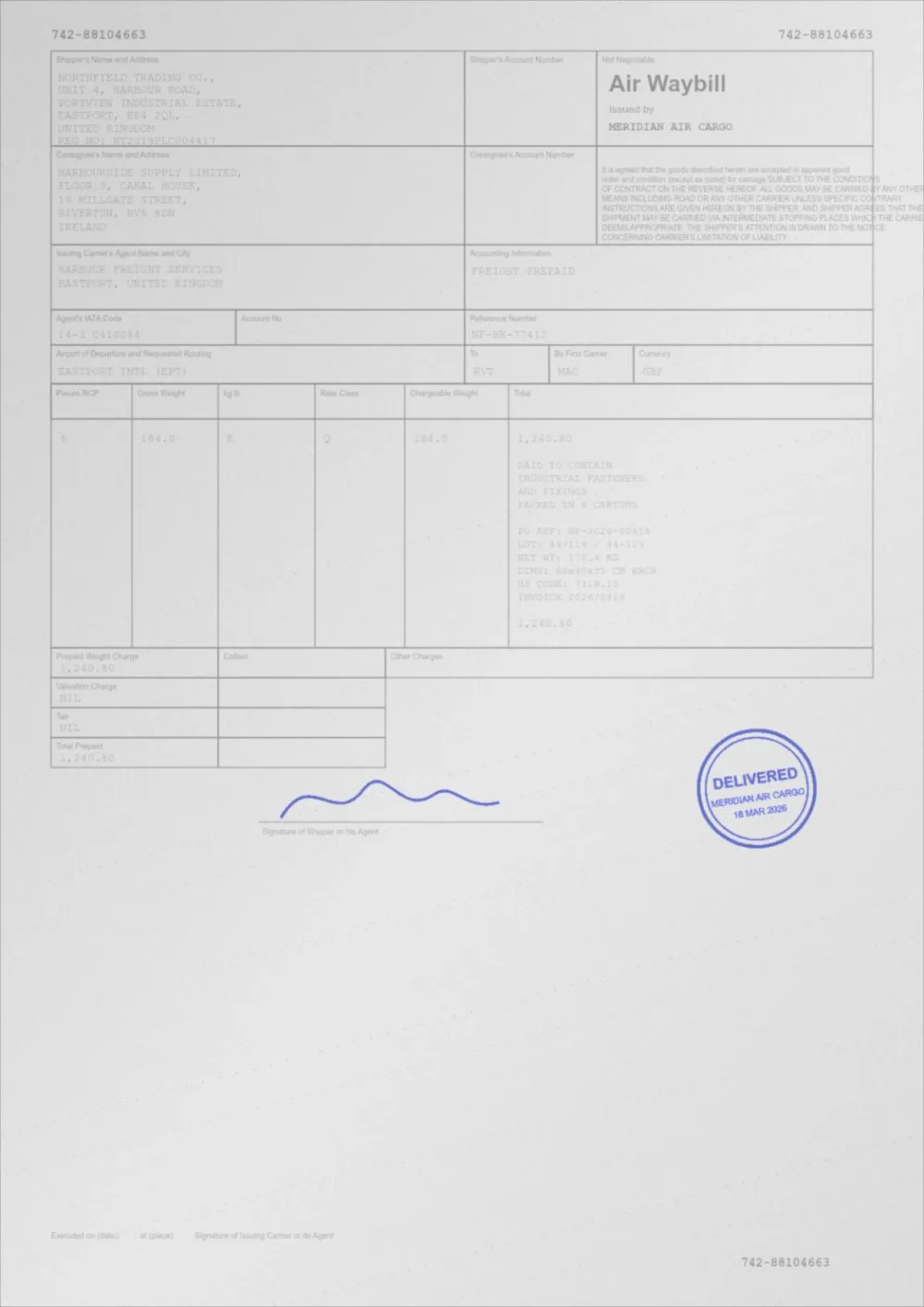
A sample faded document, processed by the same engine in Clean Scan mode. Drag the slider to compare.
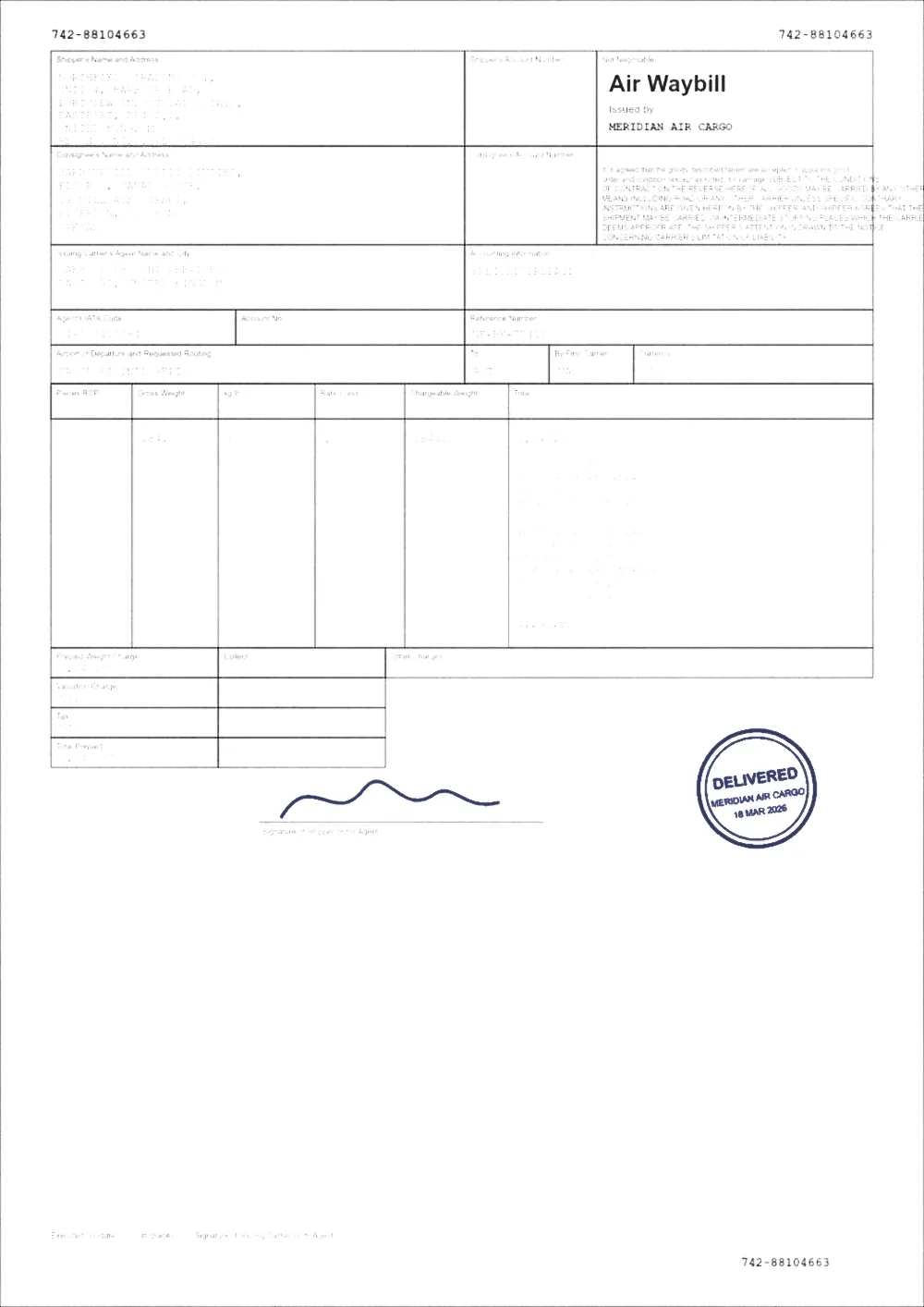 Grey scanClean scan
What gets removed
- Grey and beige paper casts, replaced with white.
- Uneven illumination — the bright centre and dark corners typical of phone scans.
- Speckle and dust: isolated dark pixels sitting on light paper.
- Faint show-through from text printed on the other side of a thin page.
- Shadow gradients cast by a book spine or the edge of a document feeder.
What is deliberately kept
Cleaning is only useful if it leaves the document intact. Two safeguards do most of that work.
First, the despeckle filter is only applied to pixels on the paper side of the histogram, so it never rounds the corners of small text. Second, the tone curve is constrained so the white point can never fall onto the measured ink level — a page whose text is only slightly darker than its paper gets darkened rather than erased.
Need only one of these jobs?
This page does them together and darkens the ink as well. If you want just one, with the ink left alone:
- Whiten PDF background turns grey or cream paper white.
- Remove scan shadows flattens uneven lighting.
- Remove PDF noise clears isolated specks.
Cleaning also shrinks the file
A grey, noisy background is expensive: every speck is detail that JPEG compression has to encode. Flattening the background to a uniform white gives the compressor almost nothing to store there, which is why cleaned scans are frequently smaller than the originals despite being re-rendered at print resolution.
Questions
My scan has show-through from the back of the page. Can that go?
Partly. Show-through is usually much lighter than the real text, so raising the Background slider pushes it into the white. Very heavy show-through overlaps the real ink in lightness and cannot be separated cleanly.
Will cleaning remove a watermark?
A light grey watermark will often disappear along with the background, because that is what background whitening does. This is a side effect of cleaning, not a watermark-removal feature, and you should not use it to strip markings from documents you do not own.
The background went white but took light pencil marks with it.
Lower the Background slider under Advanced settings. Pencil is often only slightly darker than paper, so it lives close to the boundary the cleaner is drawing.
Guides on this topic
Related tools
- Enhance a scanned PDFEnhance a scanned PDF: it measures your scan first, then cleans grey backgrounds and speckle, darkens the ink and sharpens edges. Preview before you download.
- Remove shadows from a scanned PDFRemove shadows and uneven lighting from a scanned PDF: flatten the gradient from phone scans and book spines without touching the ink. Free, in your browser.
- Whiten a PDF backgroundWhiten the background of a PDF online: turn grey or cream scanned paper white while the ink stays exactly as it was. Three strengths, preview, no signup.
- Remove noise from a scanned PDFRemove specks, dust and scanner noise from a scanned PDF: isolated dark dots on the paper are cleared while text and thin lines stay as they were.
- Sharpen a PDFSharpen a PDF online: firm up soft scanned text with a gentle, halo-limited sharpen. Three strengths, before/after preview, no signup.
Clean your scanned PDF
Free, no signup, no watermark. Your file stays on your device.
How it works · Features · Privacy
Upload scan to clean