Fix a blurry PDF
Blur means the edges of the letters have been smeared across several pixels, by a lens that was slightly out of focus, a scanner that was in a hurry, or a low-resolution image stretched to fit the page. That detail was never captured, so no tool can bring it back.
What can be done is make what is there easier to read: steepen the soft edges, widen the gap between ink and paper, and darken the ink. That is what this tool does, and you can see the result before you download it.
Make your blurry PDF clearer
Pick how soft the page looks, upload your PDF, and compare the result before you download.
- Upload
- Enhance
- Compare & download
or drop a PDF here — one file at a time, up to 50 MB and 100 pages
Free to try • No signup required • Your file never leaves your device
What Fix blurry does to a faded page
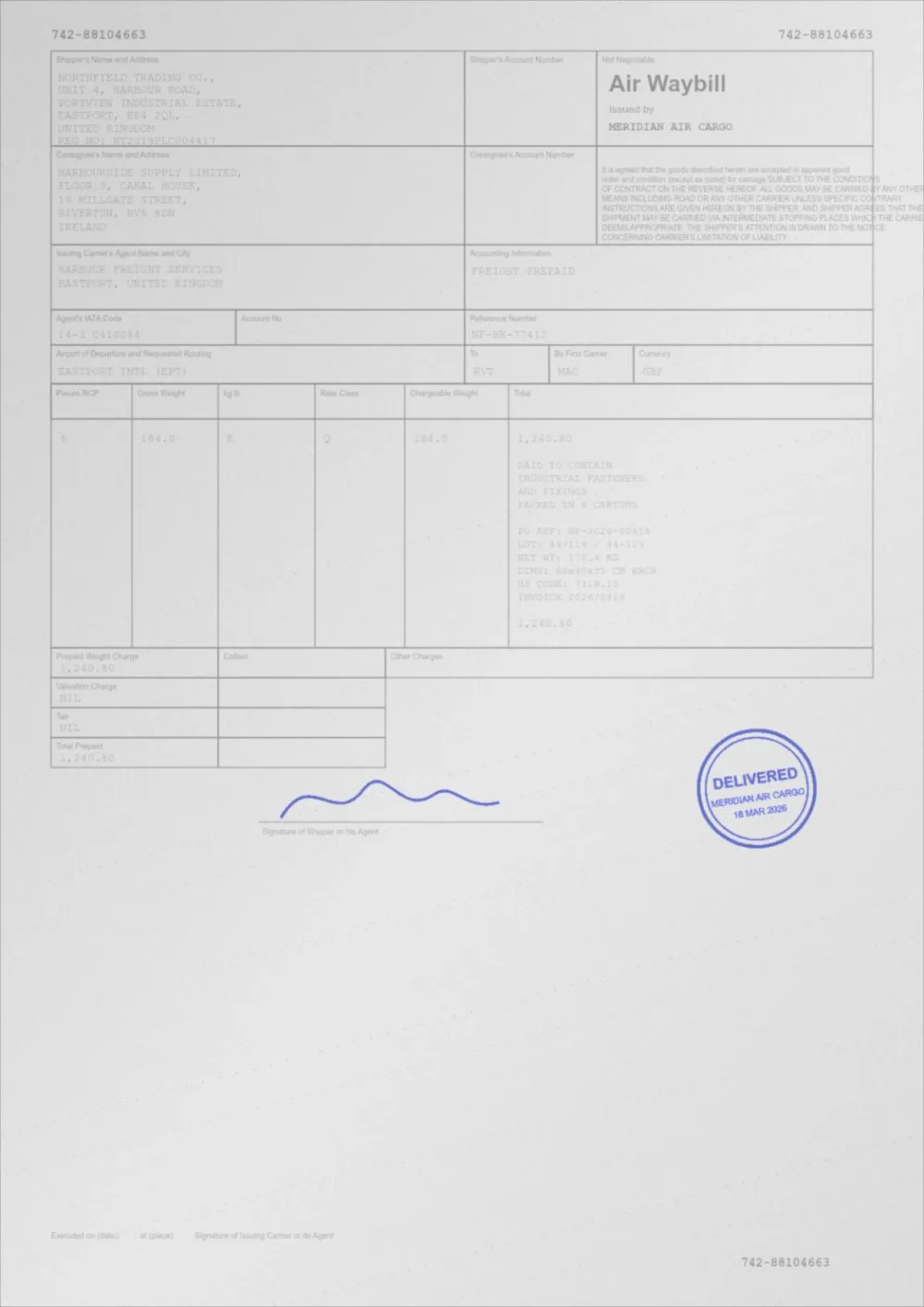
A sample faded document, processed by the same engine in Fix blurry mode. Drag the slider to compare.
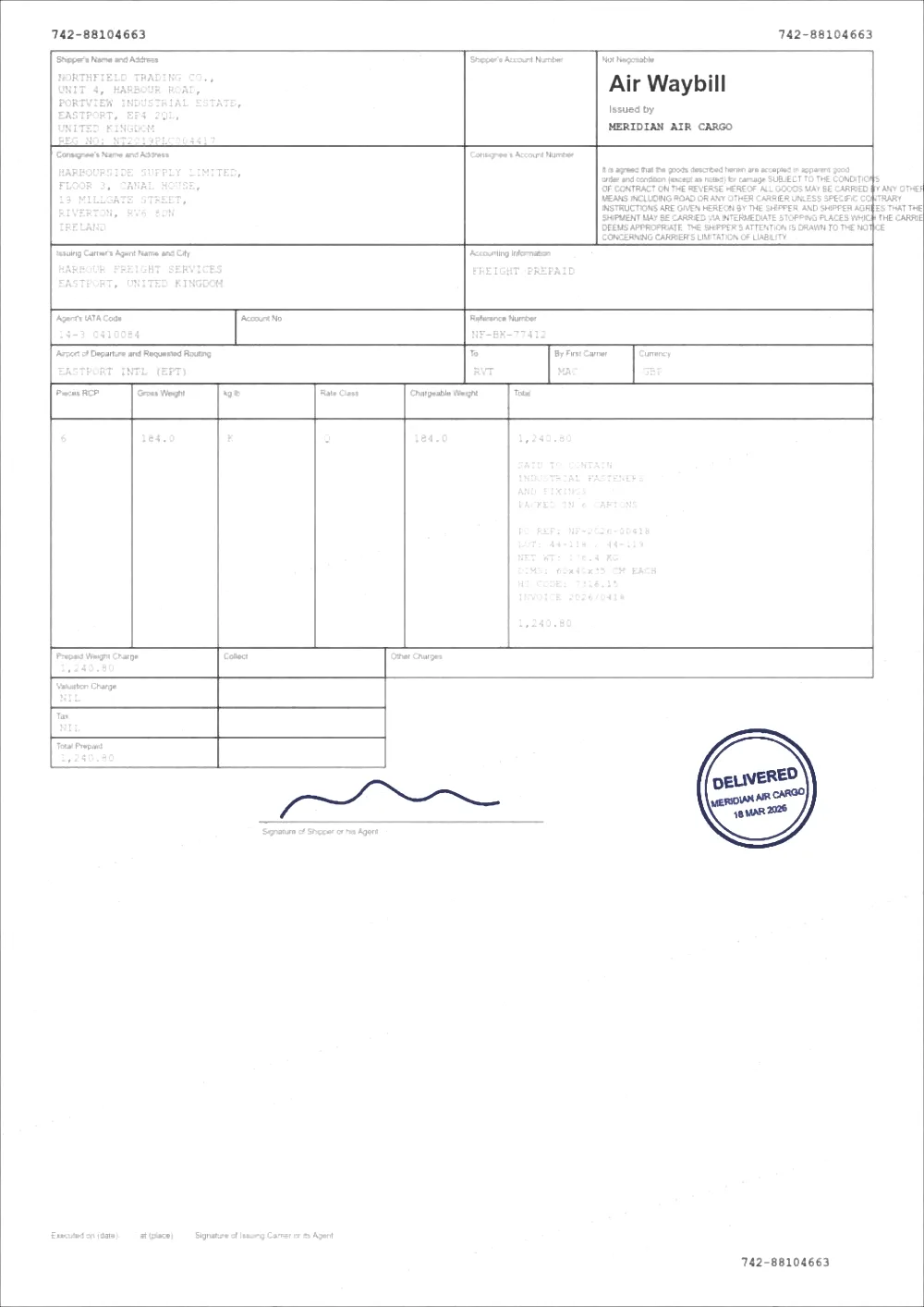 OriginalSharpened
How to fix a blurry PDF
- Pick how soft the page looks above. Soft is selected to begin with.
- Choose your PDF, or drop it on the page. It is processed in your browser and never uploaded.
- Zoom in on small text and drag the slider to compare the original with the result.
- If edges still look smeared, choose a stronger setting or raise Blur size. If they look rough or grainy, lower Sharpening amount. Then press Apply new settings.
- Download the new PDF. The original is left untouched.
What actually helps a blurry page
- Sharpening steepens the soft edges so strokes look crisper. It is limited so it cannot draw halos around letters.
- Blur size tells the sharpening how wide the soft edges are. A page that is only a little fuzzy needs a small value; a page smeared across many pixels needs a larger one. Too large a value on a sharp page makes it look rough.
- Contrast widens the gap between ink and paper, which helps blurred strokes stand out from the background.
- Text darkness pushes grey, smeared ink towards black, which makes thin blurred strokes read as solid.
What it cannot do
- It cannot add resolution or invent detail. A tiny, low-resolution image stays low resolution.
- It cannot undo motion blur or heavy out-of-focus blur. Strong sharpening on those pages produces rough, artificial edges instead of readable text.
- It cannot read text that is no longer legible. If a page is still unreadable on the strongest setting, rescan it, ideally at 300 DPI.
- It does not use AI upscaling, and it does not read the text. OCR a scanned PDF does that.
- It cannot tell you how blurry a page is. Blur is not measured, so you choose the setting by comparing the result.
Soft scan, low resolution, or motion blur?
The kind of blur decides how much a tool can help.
- A slightly soft scan — edges are a little wide and everything else is fine. This responds well to sharpening.
- A low-resolution image — the letters are made of visible blocks. Sharpening makes the blocks harder, not the letters clearer. Contrast and darkening still help readability.
- Motion or focus blur — the whole page is smeared in one direction or everywhere. Only a mild improvement is possible.
- If the original paper is still available, scanning it again at 300 DPI will beat any amount of processing.
Which pages are changed
Pages that contain images, including every scan, are rendered at 200 DPI, processed and written back as images. Pages made only of text and vector graphics cannot be blurry in this sense, so they are left untouched, and the result panel tells you when that happens.
Questions
Can you turn a blurry PDF into a clear one?
Not fully. You can make a blurry PDF clearer and easier to read by sharpening its edges and increasing contrast, but detail that was never captured cannot be restored. The result depends on how blurry the source is.
Does it increase the resolution?
No. Pages are rendered at 200 DPI, and a scan captured at a lower resolution is not upscaled or reconstructed.
Why does the result look rough or grainy?
Sharpening also strengthens noise. Lower the Sharpening amount, or step down to a gentler setting. A smaller Blur size also helps if the page was not very blurry to begin with.
What is the difference between this and the Sharpen PDF page?
Sharpen PDF changes only the edges and leaves tone and colour exactly as they were. Fix blurry also adds contrast and darker ink, because blurred text often needs both to become readable, and it lets you set how wide the blur is.
Why was my page left untouched?
Pages made only of text and vector graphics are sharp at any zoom, so there is no blur to remove. If the text still looks blurry in your viewer, the page probably contains an image of text, in which case it would have been processed.
Is my PDF uploaded?
No. Reading, processing and writing the new file all happen inside your browser tab.
Guides on this topic
- How to Improve Scanned PDF QualityMost scan quality is decided at capture time. Resolution, colour mode, lighting and compression settings that make every later step easier.
- How to Make a Scanned Document More ReadableReadability is more than contrast: resolution, sharpening, colour handling, OCR and accessibility all decide whether a scan is genuinely usable.
- How to Sharpen a Blurry PDFWhat sharpening can and cannot do for a blurry PDF: how an unsharp mask works, how to avoid halos, how to tell soft from low resolution, and when to rescan.
Related tools
- Sharpen a PDFSharpen a PDF online: firm up soft scanned text with a gentle, halo-limited sharpen. Three strengths, before/after preview, no signup.
- Enhance a scanned PDFEnhance a scanned PDF: it measures your scan first, then cleans grey backgrounds and speckle, darkens the ink and sharpens edges. Preview before you download.
- PDF contrast enhancerIncrease PDF contrast and adjust brightness online. Four strengths from Light to Print Ready, a before/after preview, and no signup.
- PDF enhancerEnhance a PDF online: adjust darkness, contrast, brightness, background, sharpening and noise in one place. Measured, not guessed. No signup, runs in your browser.
Make your blurry PDF clearer
Free, no signup, no watermark. Your file stays on your device.
How it works · Features · Privacy
Upload blurry PDF